Images 2.6 is OpenAI’s new image model, with animated GIFs, edits you aim by marking the photo, and layouts with readable text. This site lets you run it in your browser and download PNG, GIF or SVG files.
Pick a mode, describe what you want and press Generate. Each run gives you one file to download, and the cost shows under the button before you start.
Model
Quick drafts, posters and product layouts.
Quality
Resolution
Planning
How much the model plans before drawing. Low for quick edits, Medium or High for busy scenes. No extra cost.
This run costs 5 credits
Your result shows up here
Write a prompt and press Generate. Your file appears in this space with a download button.
What Images 2.6 can do
Six abilities of the model, and how to use each one in the generator on this page.
Animated GIFs from a text prompt
GIFs are new in Images 2.6. Describe a subject and how it moves, and the model draws a short animated loop: a mascot waving, a product turning, a reaction sticker, a sketch in motion, a small storyboard. In the generator you set 6, 9, 12 or 16 frames and slow, normal or fast playback.
Edits aimed at the area you mark
Upload a photo, draw over the part you want changed with the red brush, and say what to do in your prompt. The model changes the marked area, so you can swap the words on a sign or recolor one jacket without describing where it sits in the picture. Undo and clear are there if your brush slips.
Flare for speed, Sunburst for detail
OpenAI says Images 2.6 generates images 50% faster than before, and that Flare can finish one in as little as six seconds at low quality. Those are OpenAI’s figures, and it also says complex prompts may take up to 2 minutes. Sunburst is the one to pick when you want more detail. Both cost the same credits here, so switching costs you nothing.
Readable text in posters and layouts
Flare is aimed at professional layouts such as posters and product imagery, where a headline and a line of small print have to read as real words. Put the exact wording in your prompt. Read it over before you print, because text isn’t right on every run.
Details that hold across edits
Across rounds of edits, Images 2.6 keeps characters, products and brand details consistent. Upload up to 4 images, change one thing at a time, and bring the new version back for the next round, so a mascot should keep its face and a package its logo. For long edit chains, Sunburst at Medium or High quality is the steadier choice.
A planning level you set yourself
Planning sets how much the model works out before it draws. Low suits quick edits. Medium or High suits scenes with many elements or strict constraints, like an ad where steps, nutrition facts and a headline all need a place on the page. Changing the level costs nothing extra.
What each effect looks like
These are samples of what the model can make. Three short demos show the main effects, and the gallery below gives you prompts to run yourself.
Three loops, three styles
A window curtain moving beside a steaming mug, a felt fox waving on a felt meadow, and a bouncing SALE 50% OFF sticker. A quiet scene, a character and a piece of marketing all work as short loops. For your own, name the subject and the motion, keep the camera fixed, and ask for a “seamless loop”.
Circle it, change it
One street photo, three changes. The shop sign goes from MARIO’S DELI to OPEN LATE, a red hoodie turns navy, and a passer-by is gone. Each change starts with a circle on the photo and a short instruction, which saves you from explaining in words where things are.
One bottle, three planning levels
The same SOLA juice bottle at low, medium and high planning. Low gives a plain studio shot. Medium builds a picnic scene around it. High lays out a full ad with steps, nutrition facts and a headline. The more your prompt asks for, the more planning you’ll want.
Prompts you can run
Each card shows a sample and a prompt written to get something like it. Press the button to load that prompt into the generator, then change the subject to suit your idea.
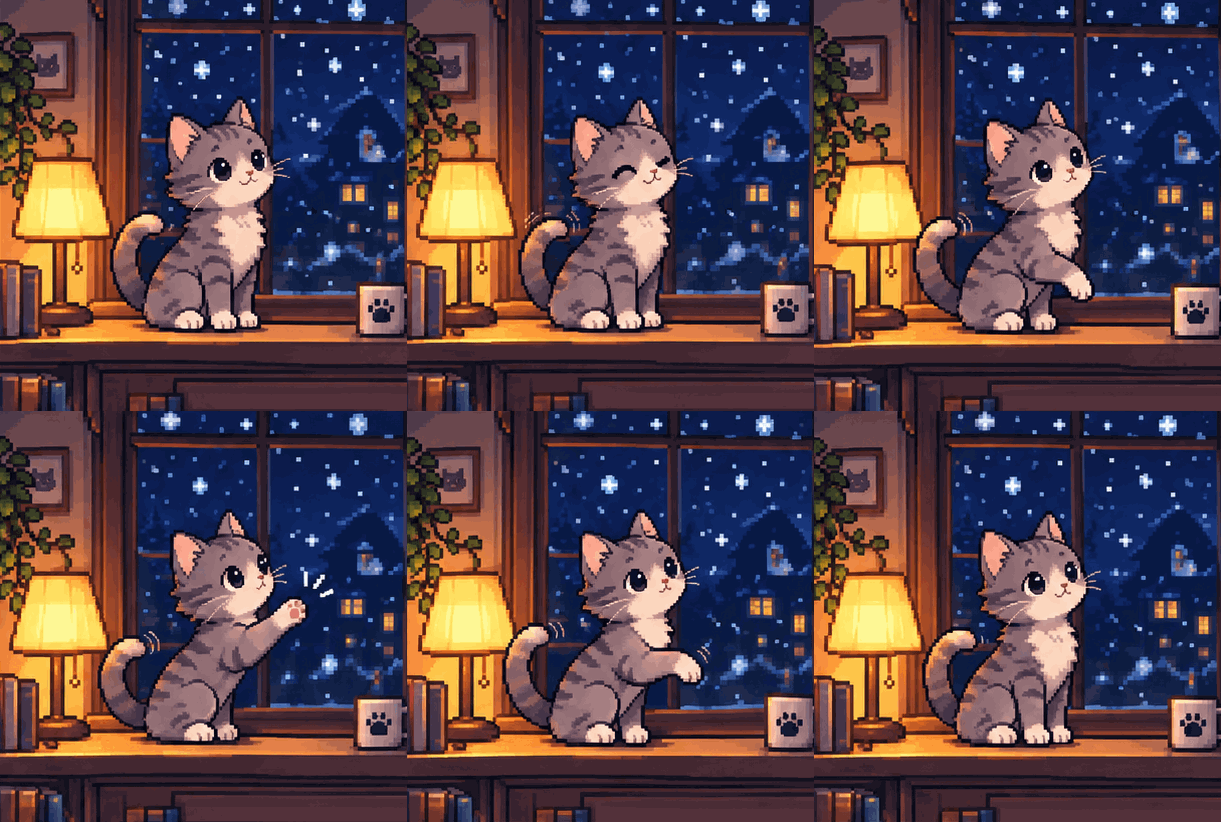
Pixel-art cat GIF
Pixel-art gray cat sitting by a frosty window, tail swaying gently while snow falls outside, fixed camera, soft blue palette, seamless loop
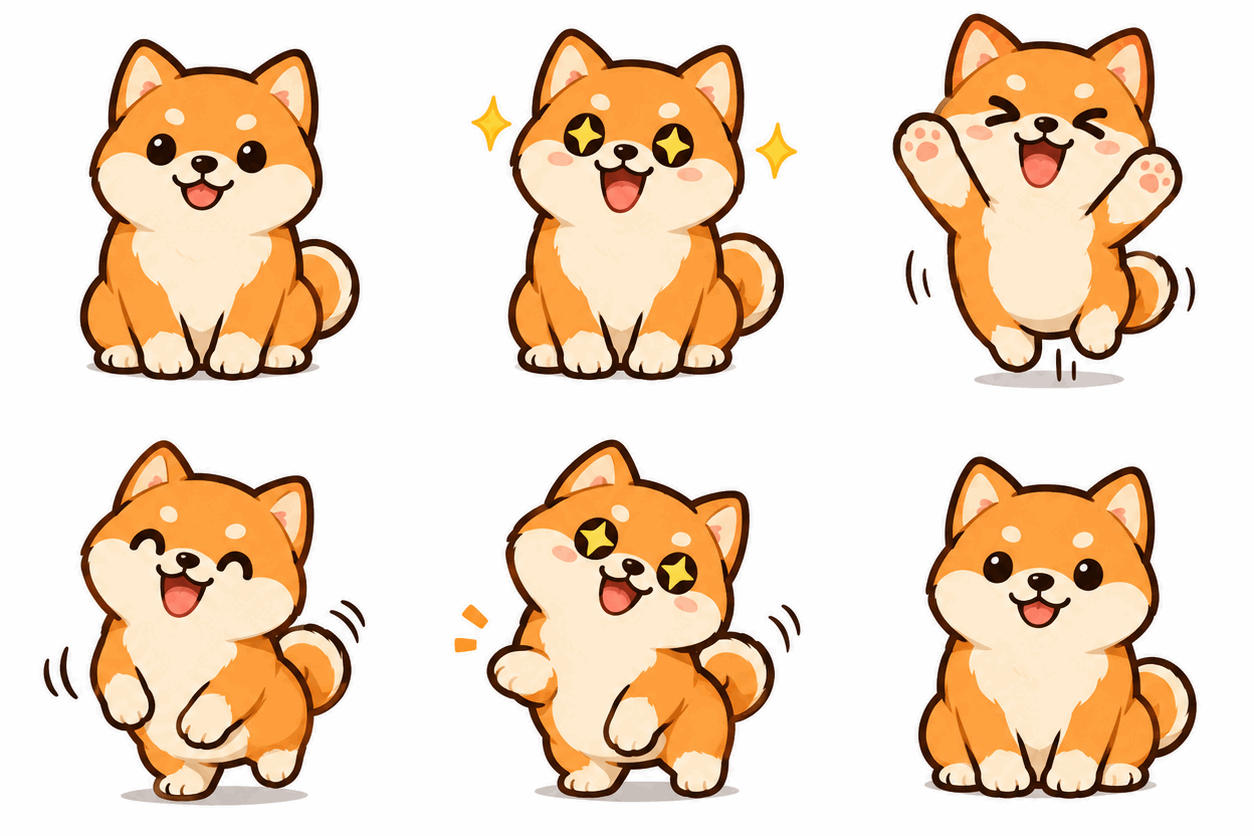
Shiba sticker GIF
Cute shiba dog sticker with a thick white outline, tilting its head and wagging its tail, fixed camera, plain white background, seamless loop
Spinning product GIF
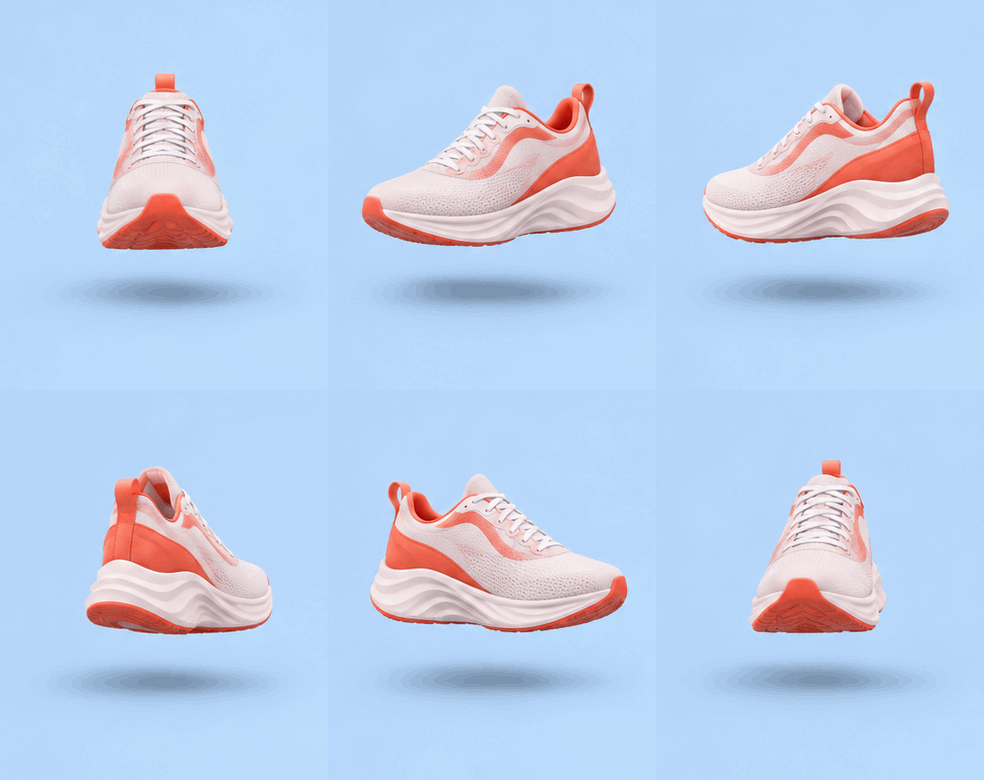
Coral running sneaker turning slowly on the spot, soft studio light, fixed camera, plain light gray background, seamless loop
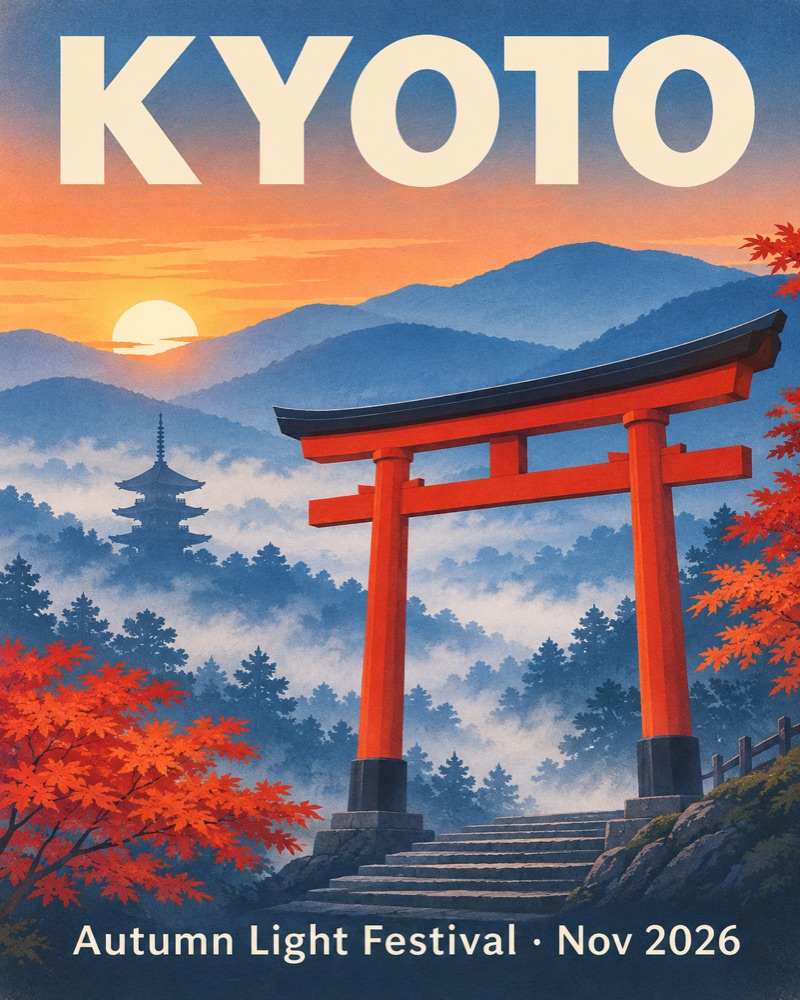
Travel poster with text
Vintage travel poster with the headline KYOTO in large letters, a red torii gate among autumn maples, and the line Autumn Light Festival · Nov 2026 at the bottom
Flat city illustration
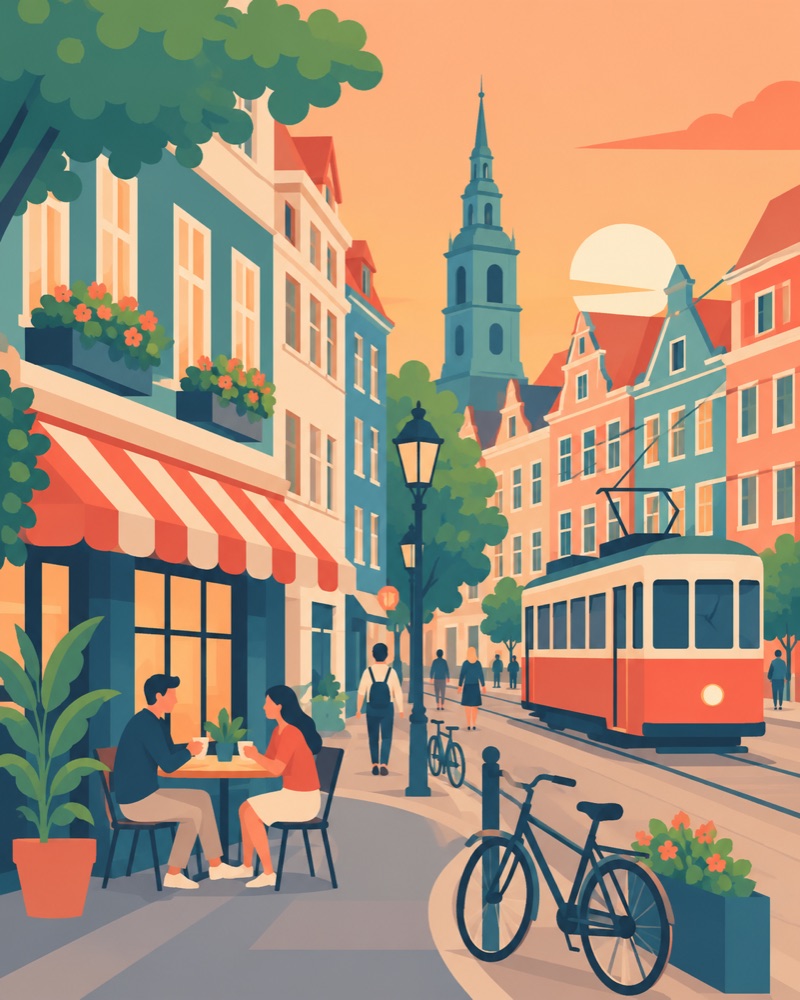
Flat illustration of a European street with a tram passing a corner cafe, pastel buildings, simple shapes, soft morning colors, no text
Studio product shot
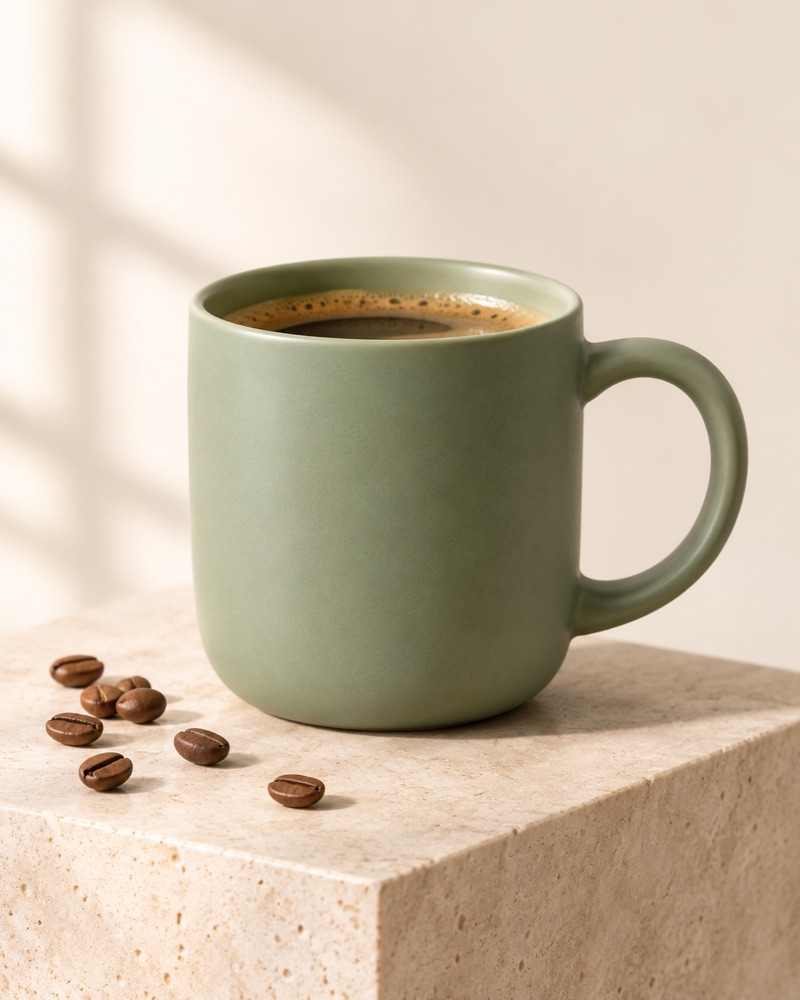
Studio product photo of a sage-green ceramic mug on a plain surface, coffee beans scattered around it, soft side light, shallow depth of field
Geometric fox logo
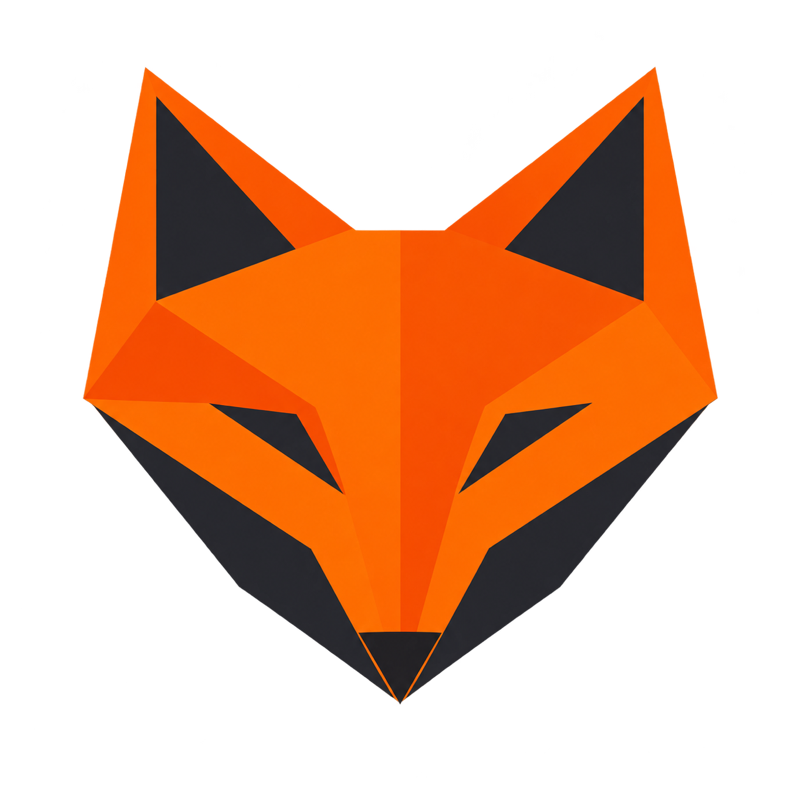
Minimal geometric logo of an orange fox head built from sharp flat shapes, facing forward, clean edges, no text, centered on a transparent background
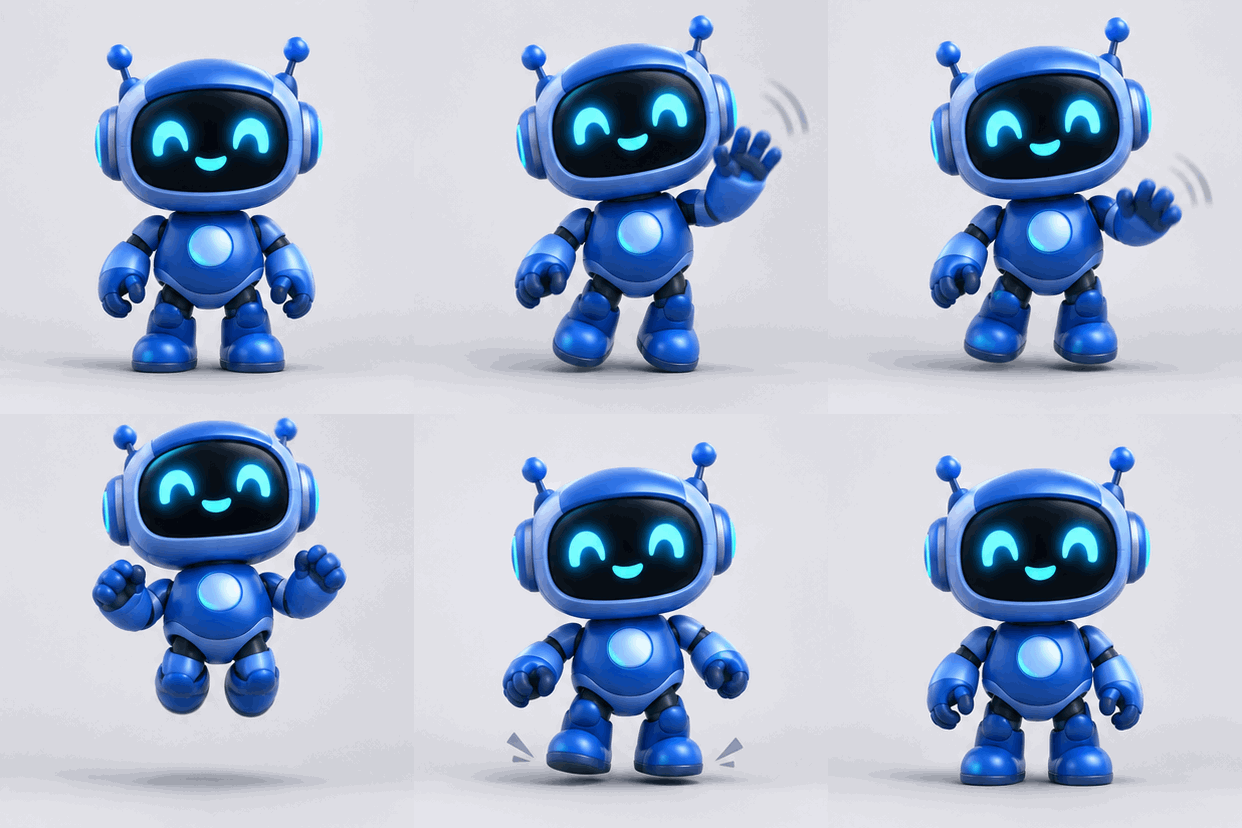
Robot mascot GIF
Friendly blue robot mascot with round eyes waving one hand hello, gentle bounce, flat cartoon style, fixed camera, plain pale background, seamless loop
Pay once, or get credits every month
Credits work in every mode. A 1K image costs 5 credits and a Medium GIF costs 15, so you can work out what a plan covers before you buy.
Starter
$9.90
For trying out a few ideas
200 credits, never expire
About 40 1K images
or 13 Medium GIFs
Flare and Sunburst in every mode
Plus
$19.90
For regular posters, edits and GIFs
500 credits, never expire
About 100 1K images
or 33 Medium GIFs
Flare and Sunburst in every mode
Pro
$49.90
For frequent design work
1,500 credits, never expire
About 300 1K images
or 100 Medium GIFs
Flare and Sunburst in every mode
Starter
$9.90/mo
For trying out a few ideas
300 credits every month
About 60 1K images
or 20 Medium GIFs
Flare and Sunburst in every mode
Plus
$19.90/mo
For regular posters, edits and GIFs
750 credits every month
About 150 1K images
or 50 Medium GIFs
Flare and Sunburst in every mode
Pro
$49.90/mo
For frequent design work
2,250 credits every month
About 450 1K images
or 150 Medium GIFs
Flare and Sunburst in every mode
FAQ
Images 2.6 questions, answered
Plain answers about the model, this site, what things cost and what you can do with your files.
What is Images 2.6?
Images 2.6 is the image model update OpenAI released on November 4, 2026, in ChatGPT, Codex and the API. It adds animated GIFs, and OpenAI says it generates images 50% faster than before. Developers get it as two models, GPT-Image-2.6 Flare and GPT-Image-2.6 Sunburst, which is why you’ll also see it called GPT Image 2.6 or ChatGPT Images 2.6.
How do I use Images 2.6 here, and is it free to try?
Sign in with Google and you get 20 welcome credits, enough for 4 images at 1K, valid for 365 days. Daily check-ins add 2, 4 or 6 credits across a 7-day cycle, valid for 30 days. Then pick a mode in the generator, write a prompt and press Generate. This is an independent site, not affiliated with, endorsed by or sponsored by OpenAI.
Flare vs Sunburst: which should I pick?
Flare is built for speed and for professional layouts such as posters and product imagery. Sunburst gives more detail and keeps edits more consistent at Medium or High quality. Both are available in every mode here at the same credit cost, so a good habit is to draft with Flare and move to Sunburst when fine detail or repeated edits matter.
How many credits does each run cost?
A 1K image or edit costs 5 credits at any quality, and an SVG costs 5. With markup or a transparent background, 1K costs 5, 8 or 14 credits at Low, Medium or High. 2K costs 6, 10 or 18, and 4K costs 10, 16 or 30. A GIF costs 10, 15 or 25. A failed or blocked run gives its credits back automatically.
Do images made here have a watermark?
We don’t add one. Images, GIFs and SVG files you make on this site download without a watermark from us, whether you used free credits or a paid plan.
Can I use Images 2.6 pictures commercially?
Yes. You can use what you make here in commercial work, such as ads, product pages, client projects or things you sell, as long as it follows our terms and OpenAI’s usage policies. You are responsible for what you create, so check any character, logo or real person in an image before you publish it.
Are my prompts and uploads private?
There is no public gallery of user images, so other visitors can’t browse what you make. To produce a result, your prompt and uploads go to our AI API provider and OpenAI’s model. Uploads and results are then kept in our Cloudflare R2 storage so you can view and download them. Email support@images-26.org to have them deleted.
Can I turn a photo into a GIF here?
No. GIF mode on this site works from a text prompt only, so you can’t upload a photo to animate. ChatGPT itself can turn an uploaded photo into a GIF. Here, describe the subject and the motion in words, then choose frames and speed. If you start from a photo, Edit mode gives you a still PNG.
Try a prompt on 20 free credits
Sign in with Google and make your first image, edit, GIF or SVG. There’s nothing to install, and we add no watermark.